

Why this is a mess
Picking a smart TV OS feels like patching a modded rig on the fly: everyone’s promising silky menus and instant apps, but you end up with glitches, weird input lag, or missing services from your preferred tv manufacturer. You want low latency for games, fast updates for new codecs, and an app lineup that doesn’t ghost you the week after a big title drops. Problem: each OS solves a different slice of that. So stop pretending specs alone tell the story — this guide attacks the core problems and maps OS choices to real needs.
Real-world check: what actually matters (and why experts care)
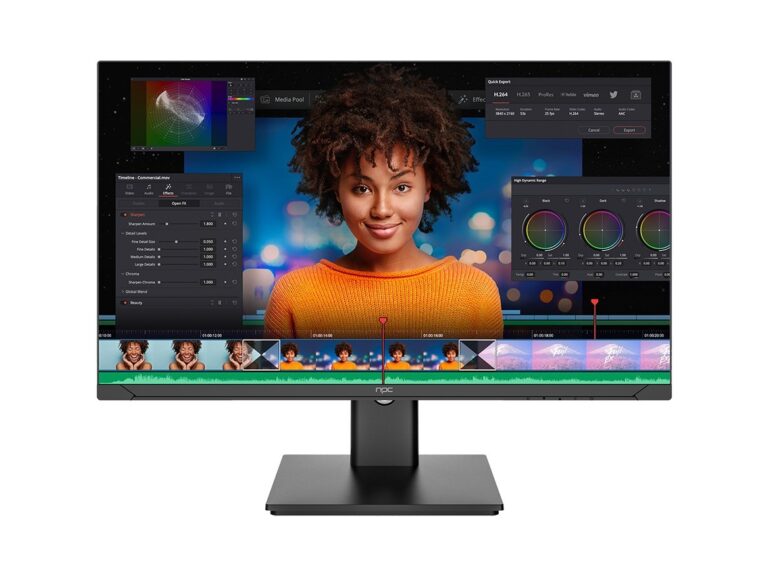
Seen at CES in Las Vegas: OS features matter more than raw panel numbers. That show’s demos repeatedly proved HDR support, AV1 decoding, and HDMI 2.1 function as the real differentiators — not just marketing buzz. Match your priorities against these technical items: input lag (frames), HDR format support, VRR/ALLM, eARC passthrough, app parity, and firmware cadence. If you’re buying at scale or sourcing for a shop, check wholesale logistics too: wholesale televisions listings often reveal which models ship with long-term support or stable OS builds. These are the metrics pros use to separate a TV that plays nice with consoles from one that flops under real use.
Checklist: the minimum technical wins you need
Don’t get dazzled — demand these. Low Input Lag: look for measured numbers (under 20 ms is solid for consoles). HDMI 2.1 Features: VRR, ALLM, 4K120. HDR Support: Dolby Vision or HDR10+ if you care about high-contrast gaming and streaming. Codec Support: AV1 decoding for future-proof streaming. App Ecosystem: Netflix, Disney+, Amazon, Twitch, and native cloud-gaming apps. Firmware Update Policy: signed updates and rollback options. Voice/Smart Home: if you use assistants, test real integrations. These are actionable checks, not fluff. Run them before you commit.
How each major OS fails or helps (brutal take)
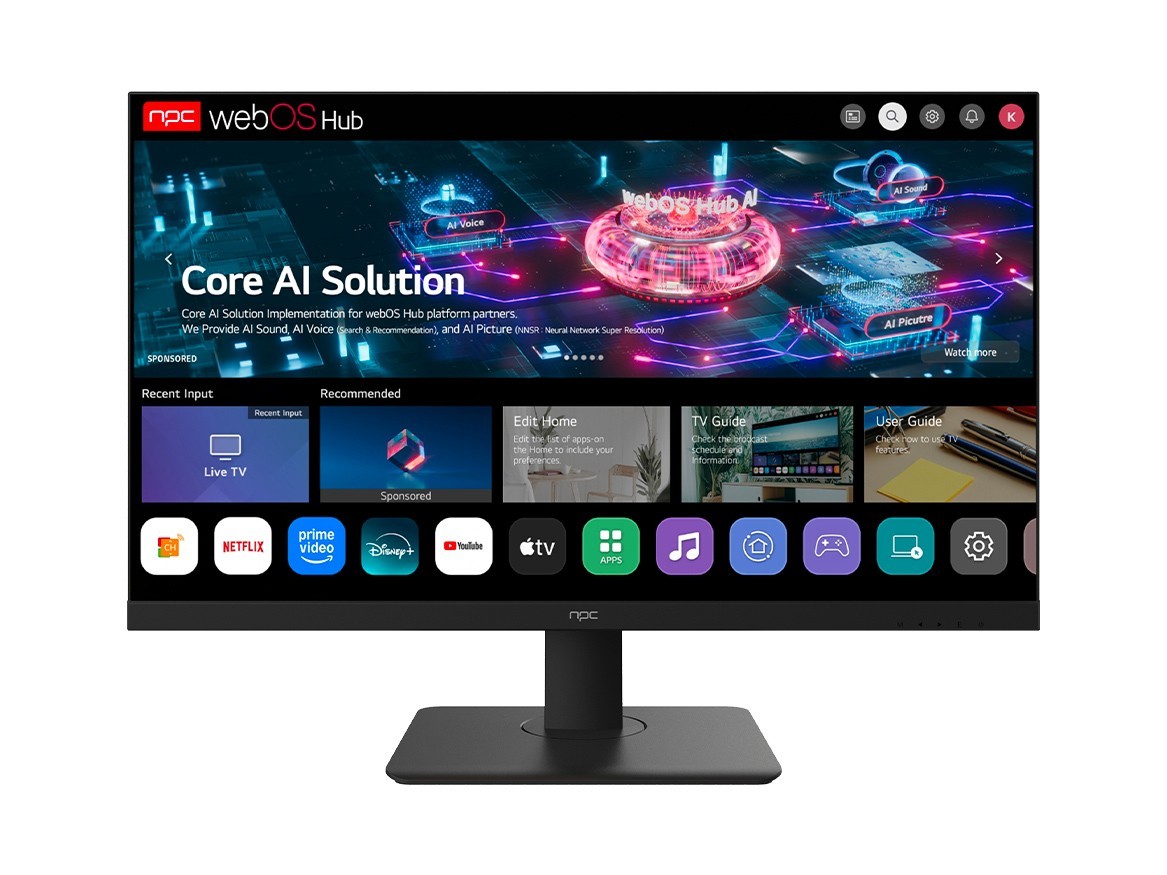
Tizen (Samsung): fast UI, great smart-home tie-ins, but app-side quirks and inconsistent firmware cadence. webOS (LG): buttery UX and good Dolby Vision handling, sometimes lagging on niche app support. Google TV / Android TV: biggest app library, best sideloading options, dev tools, but fragmented builds and varying update promises. Roku TV: simplest for streaming, light on advanced gaming features. Proprietary Linux-based OSes: can be speedy, but expect gaps in codecs or missing cloud gaming clients. Pick by which problems on the checklist you can’t tolerate — pick the OS that fixes those first.
Common pitfalls people trip over
Trusting marketing frames. “4K120 ready” means nothing without confirmed HDMI 2.1 bandwidth and platform support. Assuming all apps are equal — some streaming apps implement Dolby Vision or 4K differently per OS. Ignoring firmware policy — a great OS today can rot without updates. Buying purely for panel specs and ignoring input-lag tests. Relying on “gaming mode” as a cure-all; it helps, but real VRR/Hz support and driver-level optimizations matter more. Avoid these or you’ll face feature regret fast.
Simple decision flow for gamers and media nuts
If competitive gaming: prioritize proven low-lag measured numbers, HDMI 2.1 stack, and an OS that exposes AllM/VRR without weird toggles. If a media-first setup: favor Dolby Vision + AV1 + a stable app store. If you want modding or third-party apps: lean Android TV / Google TV. For the easiest no-fuss streaming: Roku or Amazon-skinned systems. Match the OS to your dominant problem, not the prettiest UI. That’s the only reliable logic here.
Final take — what solves the problem
Stop hunting for the perfect panel and start matching an OS to the concrete problems you actually face: latency, format support, app availability, and update honesty. Pick based on which issues break your experience and which OS patches those holes. For practical sourcing and consistent firmware behavior at scale, trusting a partner with visible supply options and clear specs makes the rest painless — like the way npc lays out model features and shipment details so buyers can solve the right problems without guesswork.
