

How to Fix Patchy Student Progress: A Plain, Problem-Driven Guide to Personalized Learning Tools
The problem that won’t wait
Kids come to school at different speeds. One lesson fits some, leaves others behind. Teachers have little time to sort that out. Schools try band-aid fixes and still see gaps. An adaptive learning system promises to sort learners by need, but the trouble starts before any tech is turned on: unclear goals, mixed signals from curriculum, and no simple way to track who actually moves forward.
Why this keeps happening
Curriculum moves on whether students are ready or not. Class time is scarce. Assessment often tells what happened, not what to do next. When tools only add more screens and no clear plan, teachers lose time, students lose confidence. The problem is not just tech; it’s how the work is set up and who owns the follow-through.
What to look for in a fix
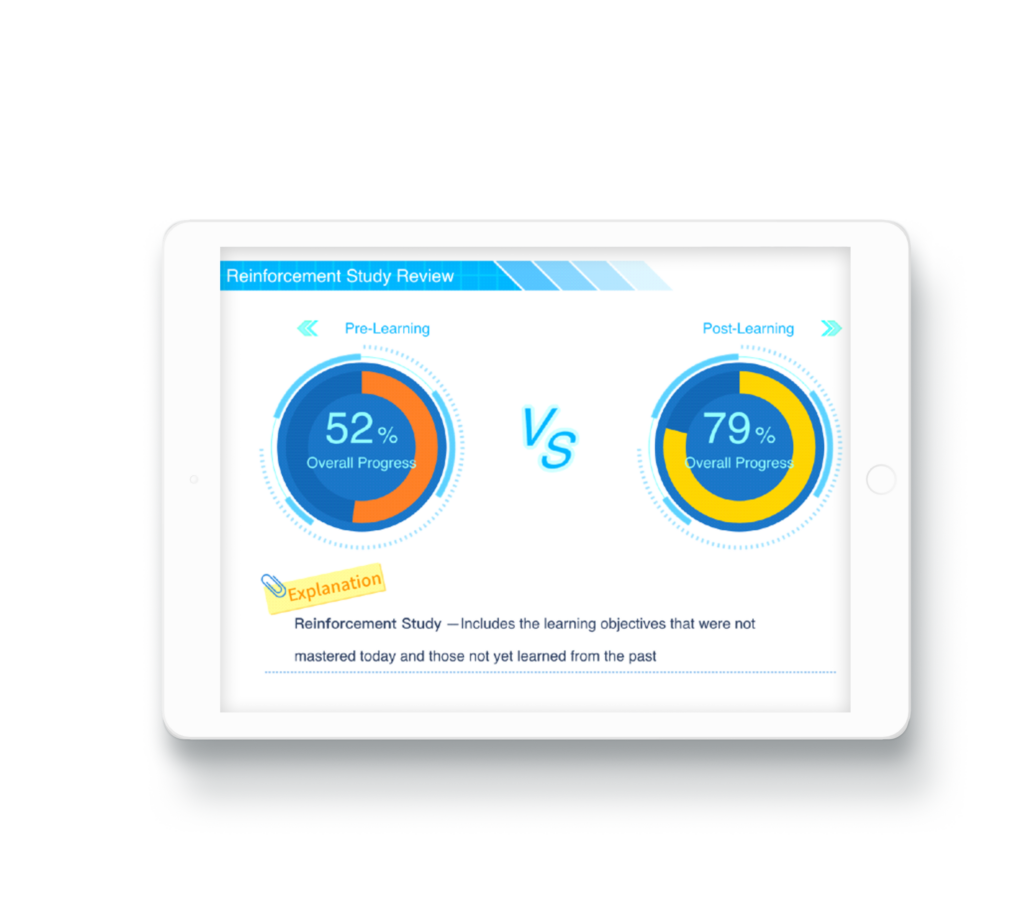
Look for tools that diagnose where a student stands and then offer a sensible next step. That means clear checkpoints, short lessons that match those checkpoints, and fast feedback teachers can act on. Also watch for easy lesson pacing, visible progress markers for students, and teacher controls that let an instructor group or redirect learners without fuss. Systems that map out personalized learning paths are useful only when those maps match the school’s learning goals and daily routines.
Practical checkpoints for evaluation
Check if the tool gives quick, actionable diagnostics. Check whether teachers can override or adjust recommendations. Check how data is shown: simple charts beat long reports. Check privacy and how data is stored. Check whether lessons work offline or with slow internet. Check total cost: subscriptions, devices, and staff time add up. These checkpoints keep choices grounded and stop shiny tools from becoming classroom clutter.
Common mistakes to avoid
Don’t expect magic. Don’t hand software to a teacher without training. Don’t split students into too many tiny paths that make scheduling a mess. Don’t treat reports as the whole story; they need teacher judgment. Don’t buy based on promises alone. A tool must fit how your school runs every day.
How this compares to other approaches
Standard learning management systems track assignments but often lack real-time diagnosis. Tutoring covers gaps but costs more per student. Blended approaches mix classroom instruction with focused tech time and often strike the best balance, if the tech aligns with classroom goals. The right pick depends on your school’s schedule, staff load, and what you want to measure.
Final thought
Fixing patchy progress starts with honest trouble-spotting and ends with a practical tool that teachers can use every day. Keep things simple, check that recommendations match school goals, and avoid tools that demand too much extra work. When a plain, dependable system for guiding student steps is needed, Squirrel Ai sits alongside other sensible options as part of a clear plan for steady improvement.
